I just got a Quanum Nova, which is a fantastic APM-powered copter that in many way outperforms the DJI Phantom for less than $300. Although it's capable of full autonomy, just like any other ArduCopter, the one thing it's missing for easy field mission planning and DroidPlanner compatibility is telemetry.
In this great tutorial, Jean-Louis Naudin shows how to add that:
Here an explanation for connecting the real time telemetry to the CX-20 or to the Quanum Nova
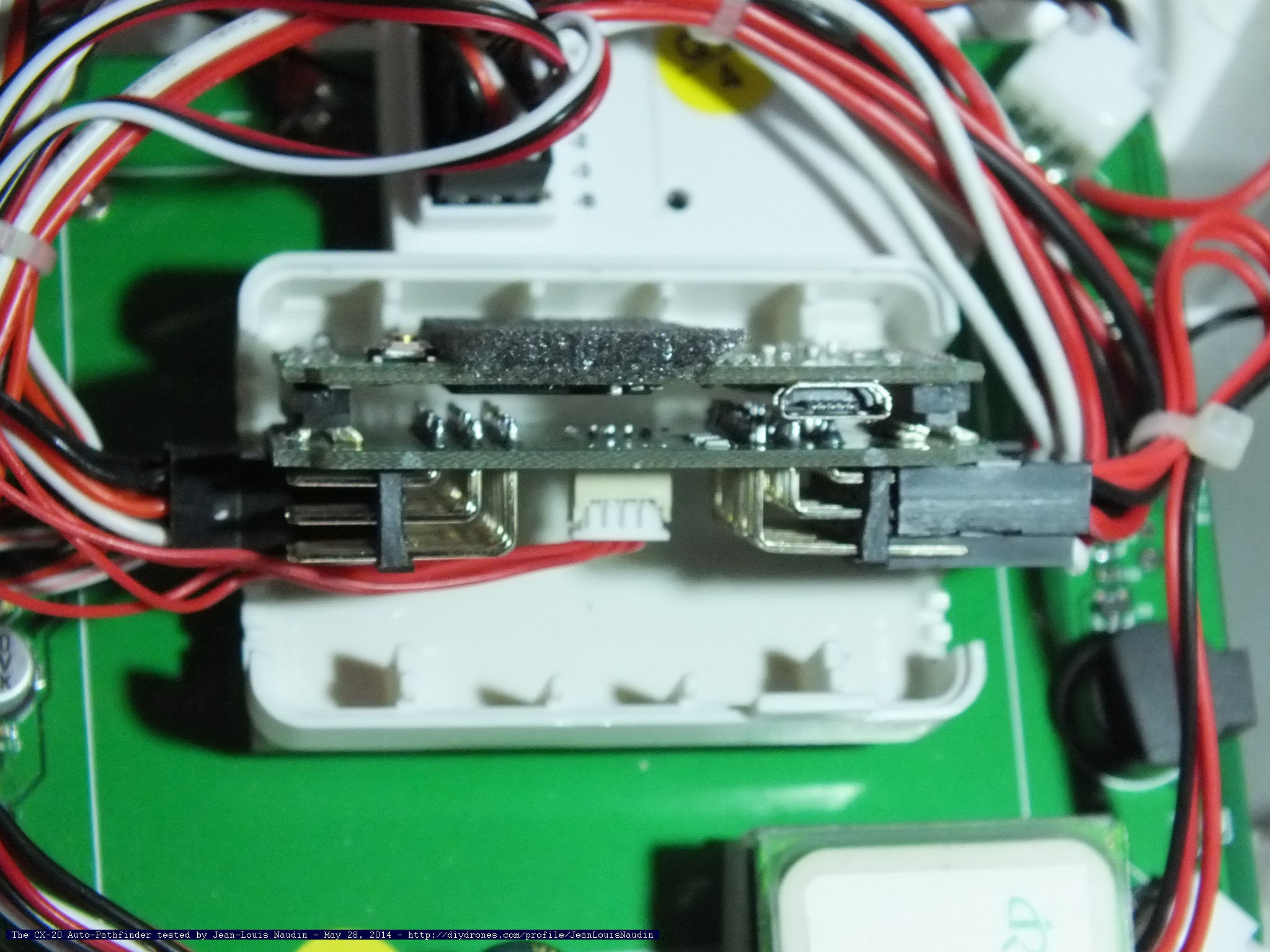
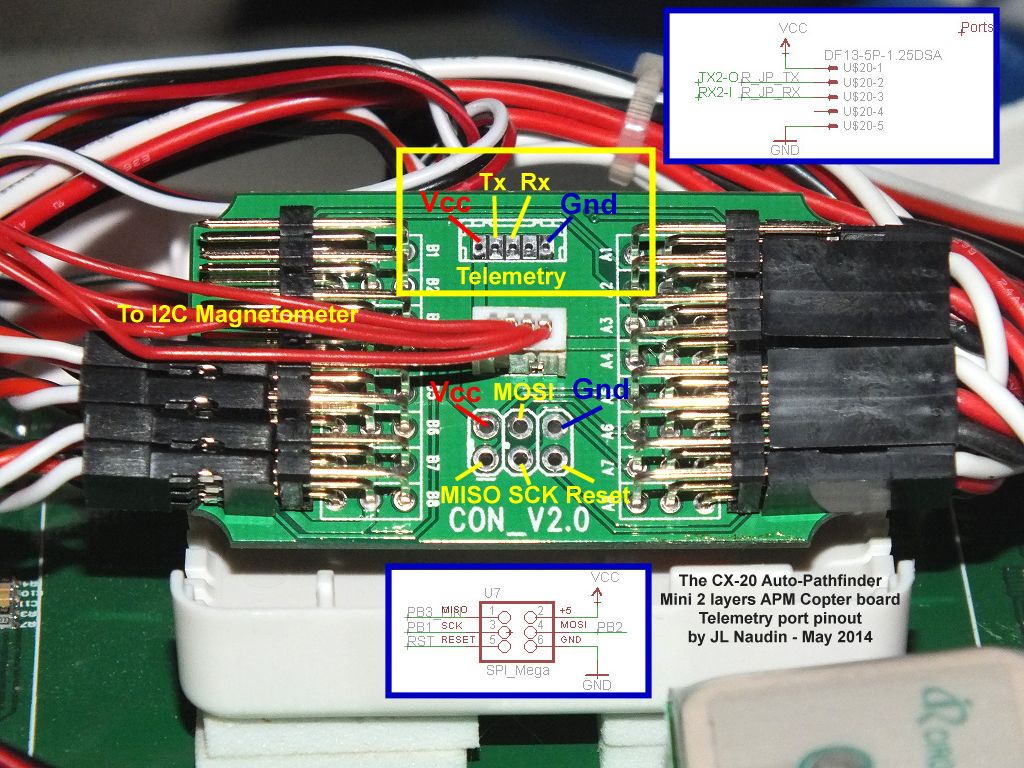
The telemetry port is located on the I/O board of the APM (the second board at the bottom and pluged to the main CPU board) where all the I/O plug are connected. The telemetry port is fully compatible with all the telemetry transmitter (3DR and all the compatible boards) and also with the Bluetooth boards commonly used with the APM boards.
Below the pinout which shows the telemetry port I/O (back to the I/O board).
Note from the comments: depending on which radio you're using, you may have to reverse the TX and RX lines. Dmitry in the comments reports: "You must connect RX from the radio to TX on the APM! And vice versa for Radio TX. So I've changed green and yellow wires and it works!"
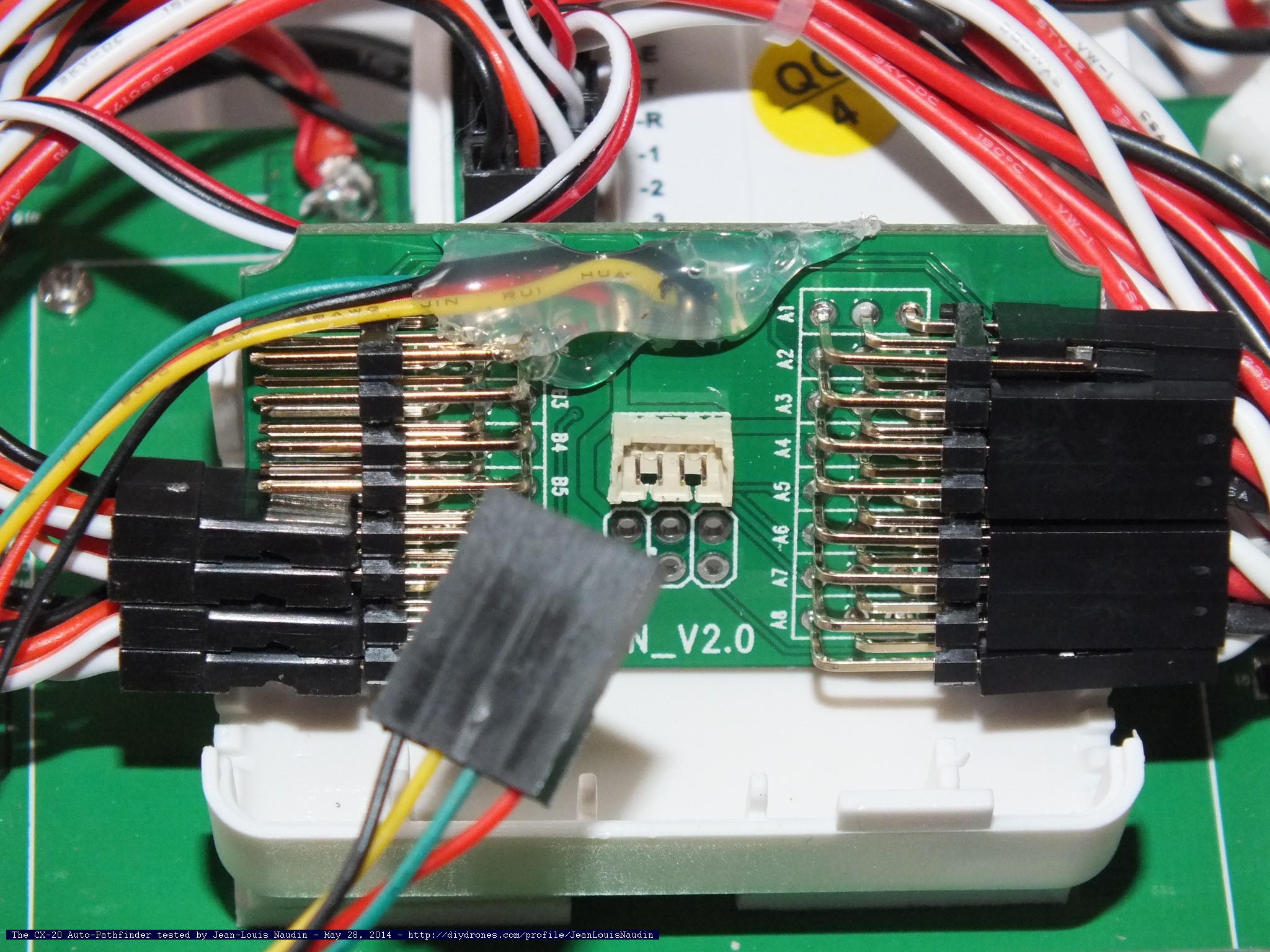
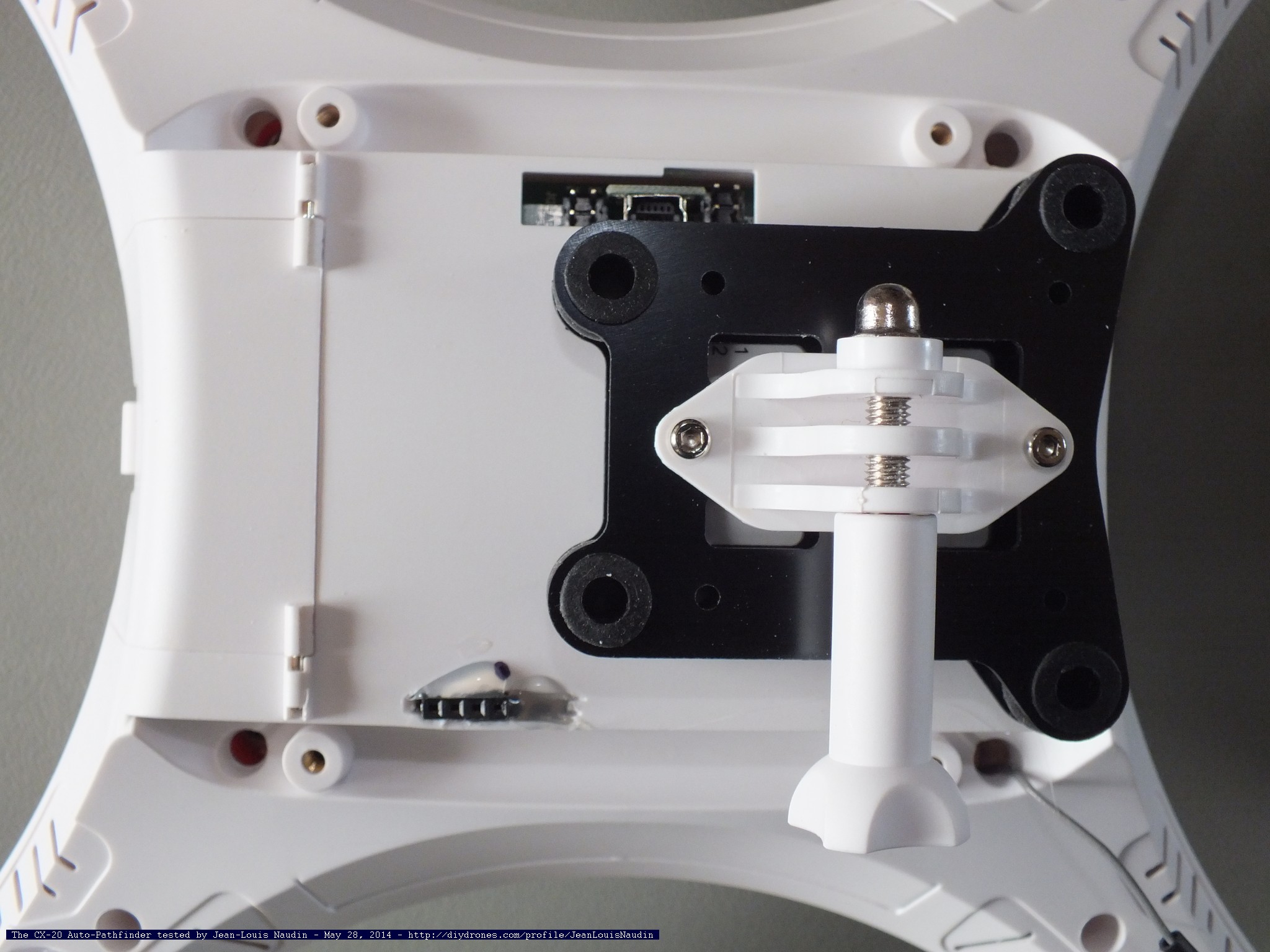
sold 4 cables on the telemetry ports
then protect the connections with hot glue
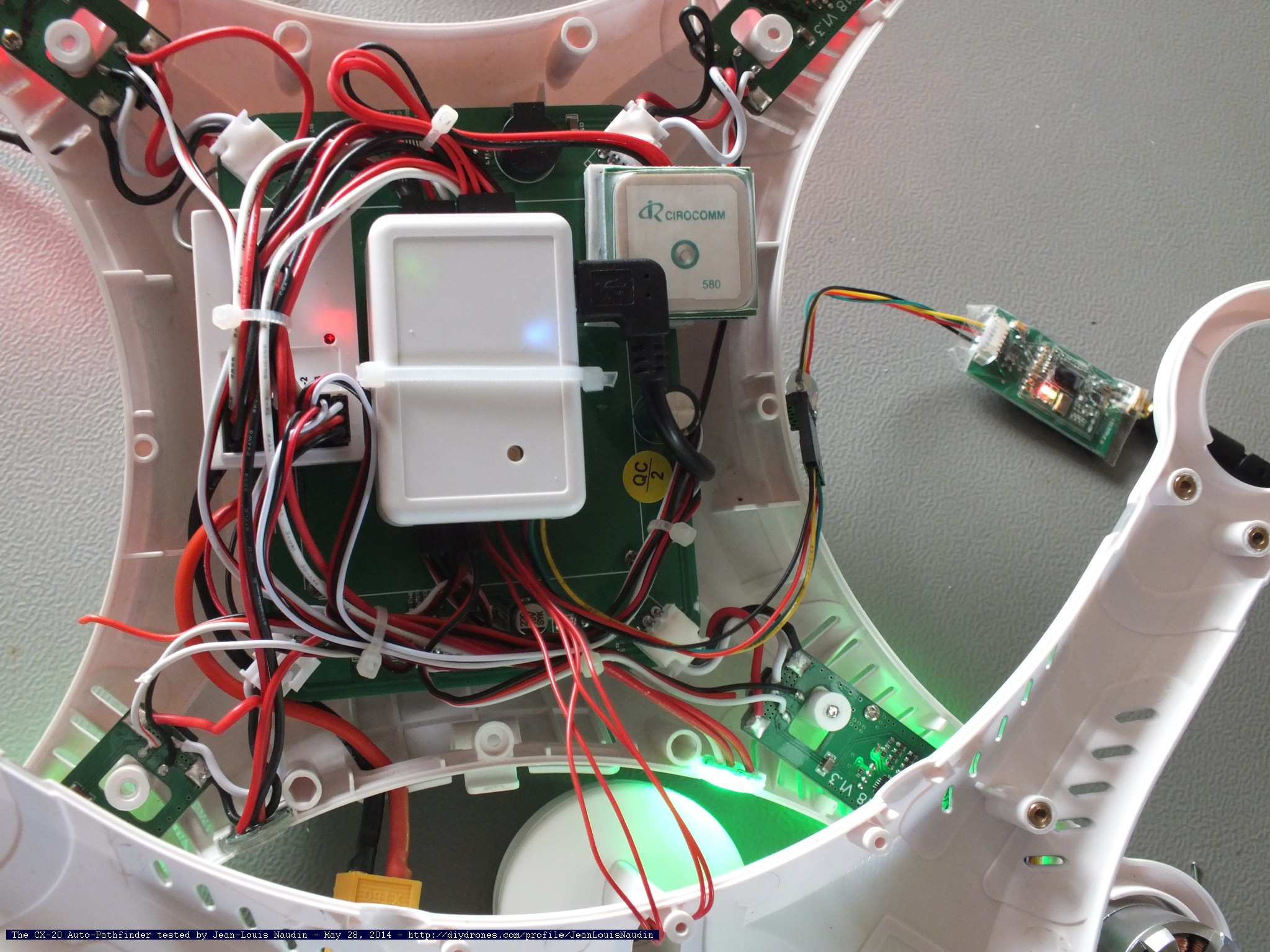
Check the functioning
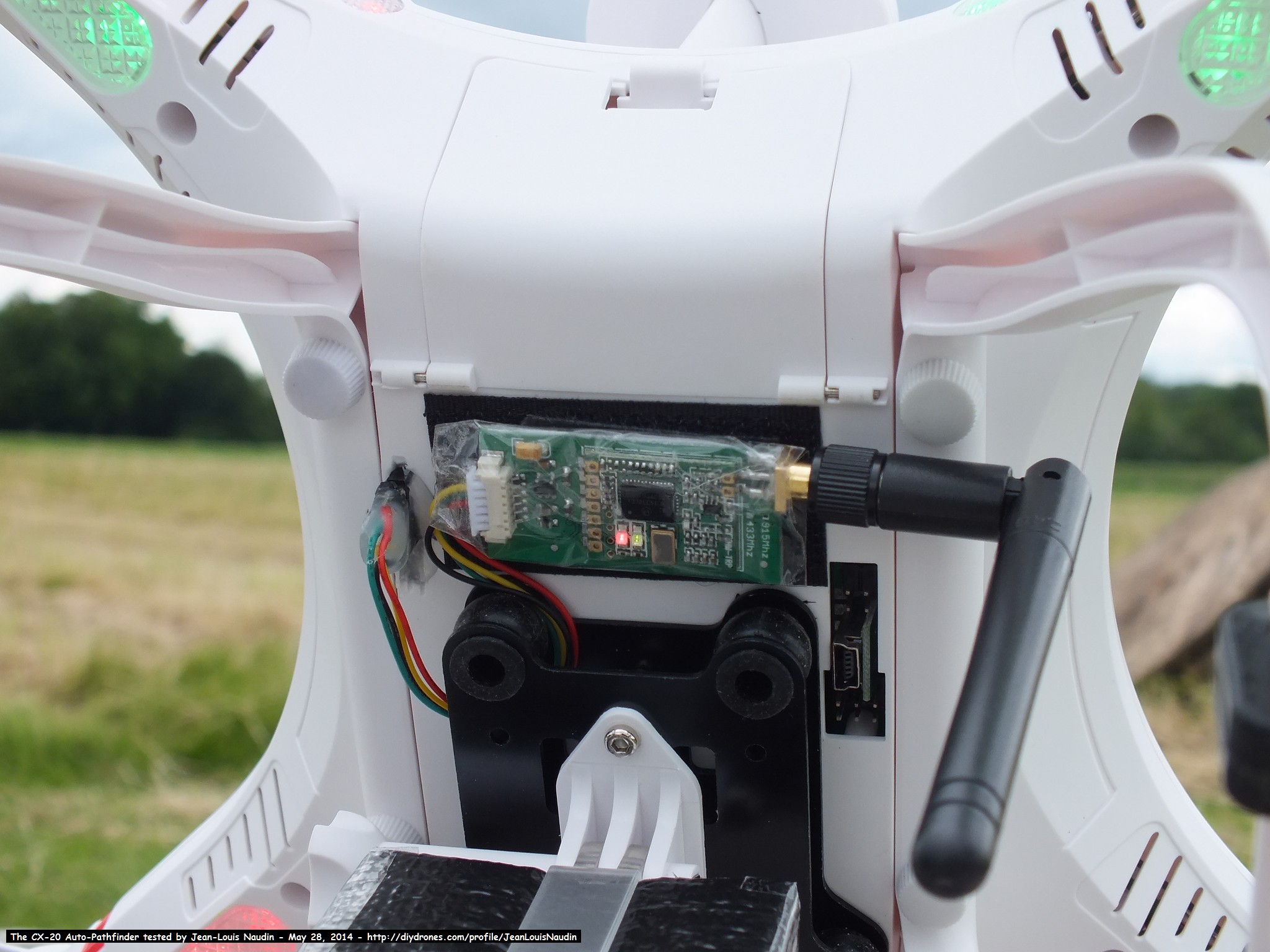
The 4 pins telemetry plug is installed on the back of the fuselage
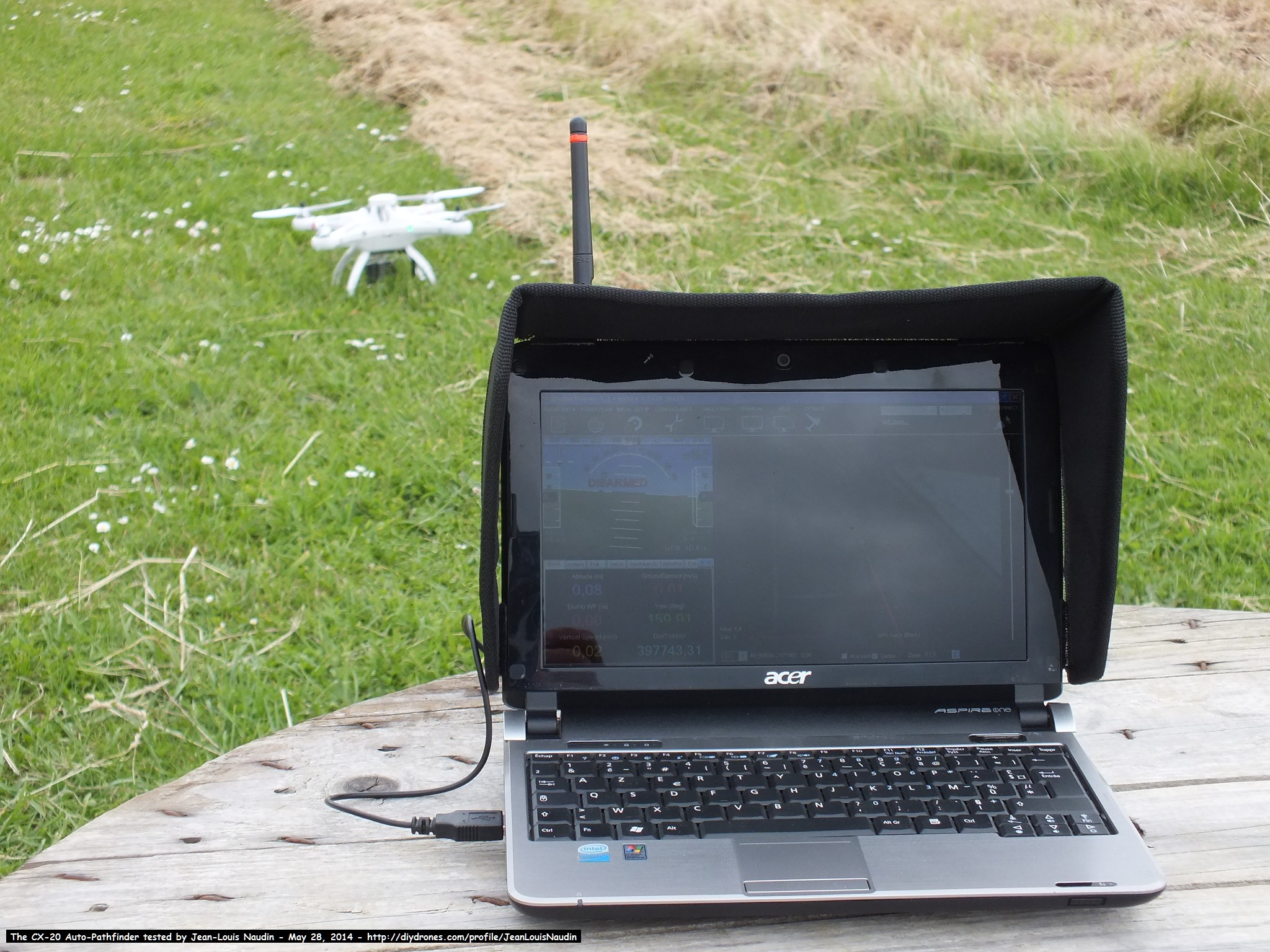
Check the connection (at 57600 baud) with the mission planner or the Droid Planner 2
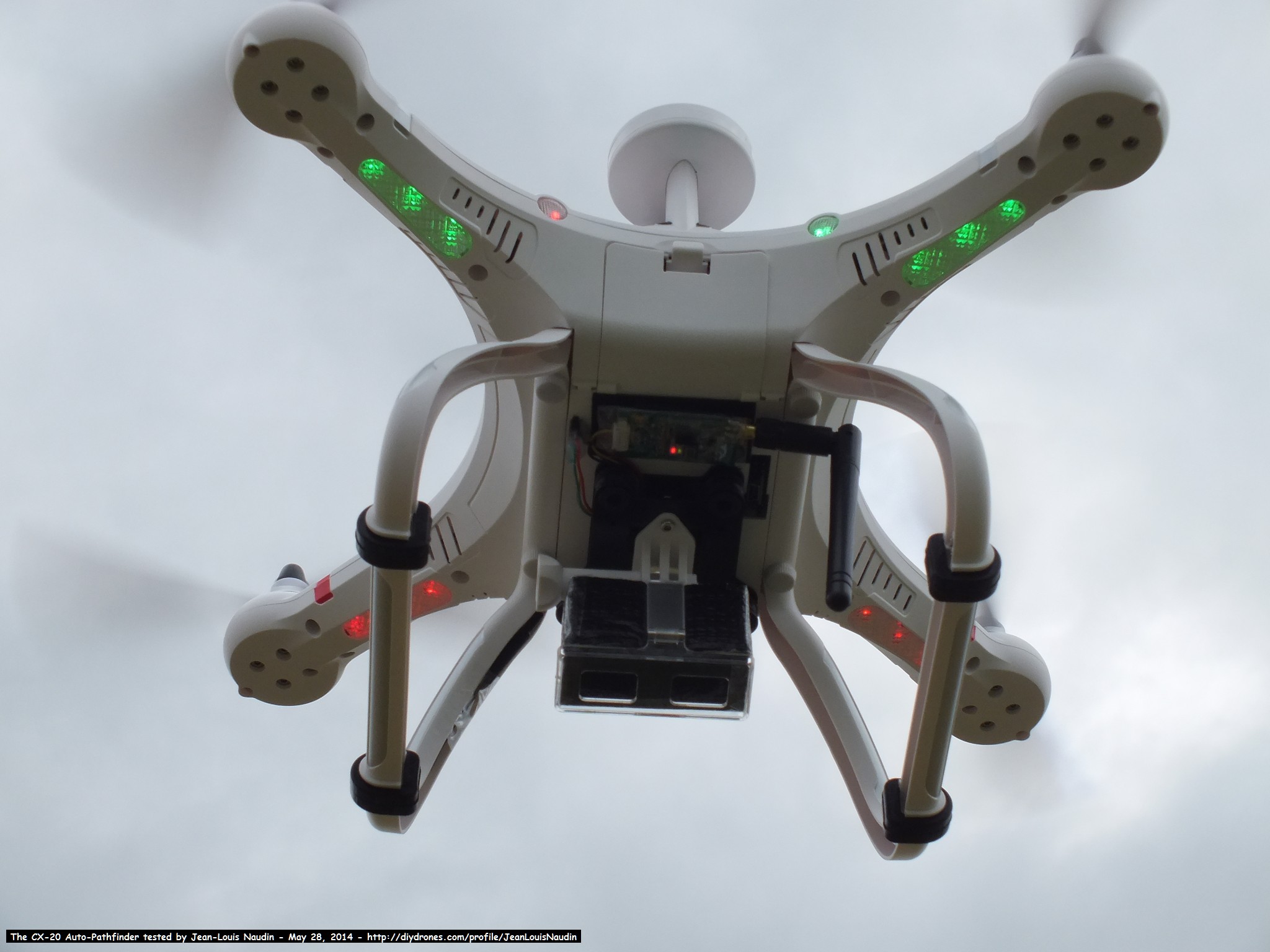
Then, you may enjoy to use the telemetry...
NEXT CHAPTER: Full autonomous mission with the Cheerson CX 20

Comments
There seems to be some controversy regarding telemetry and Nova/CX-20 firmware...
I'm on stock 3.1.2 and have telemetry on telemetry port working
Another guy at RCG is on 3.1.5 and have telemetry working on telemetry port
And then, there are some that updated to 3.1.5 and telemetry isnt not working on telemetry port (but it's working on RX/TX resistor pins)
So Nova/CX-20 3.1.2fw cant be a custom firmware...
There must be something that's missing to us... why is it working for some / not working for others
Avi, I would try swapping the Tx, Rx, or use this post.
http://www.rcgroups.com/forums/showthread.php?t=2112759&page=29...
I had to solder Tx and Rx to those resistors to get mine to work. Apparently there are some boards that are built different.
That is the cause. Keep in mind 3.2 is in beta. http://diydrones.com/forum/topics/arducopter-3-2-beta-testing?id=70...
Still running 3.1.2 may be that's the cause ?
didnt saw anything related to follow me at the changelog so never thought that could be the problem
Mine just holds the altitude ive engaged follow me at. Are you running a version of 3.2?
@Chris Anderson : How can I set the altitude for followme mode ?
Cause I was in Loiter mode at an altitude of 10meters then activated FollowMe mode on my cellphone and the quad almost hit the ground (I switched to manual mode very fast and was able to recover it from hitting the ground :/)
@Hans: You will find a micro-USB extension at:
http://www.rctimer.com/product-964.html
JL
@PF: You will finde hex code of ArduCopter firmware in my GitHub at:
https://github.com/jlnaudin/x-VTOLdrone/blob/master/Firmware/ac312.hex
Right-click with the mouse on the RAW button and choose "Save as..." to download the fiwmare code
idem for the Param_file:
https://github.com/jlnaudin/x-VTOLdrone/blob/master/param/CX20_PID_...
Right-click with the mouse on the RAW button and choose "Save as..." to download the param file
I hope this will help you...
JL
Here's some info on adding voltage sensing to this rig!
Voltage divider
-
1
-
2
-
3
-
4
of 4 Next